
How to Order
At Terra Drone Arabia, we provide specialized drone and robotics solutions for enterprises across Saudi Arabia. Our store uses a Request-a-Quote model you won’t need to enter any payment details online. Simply tell us what you need, and our team will send you an official quotation.
Ready to buy? Add products to your cart and submit a quote request at checkout.
1. Browse & Add to Cart
Explore our catalogue and add the products you’re interested in.- Go to the Shop page or browse by category (UAV Platforms, Sensors & Payloads, Robotics, Software, etc.).
- On any product page, set the quantity you need using the − / + controls.
- Click the “Add to Cart” button.
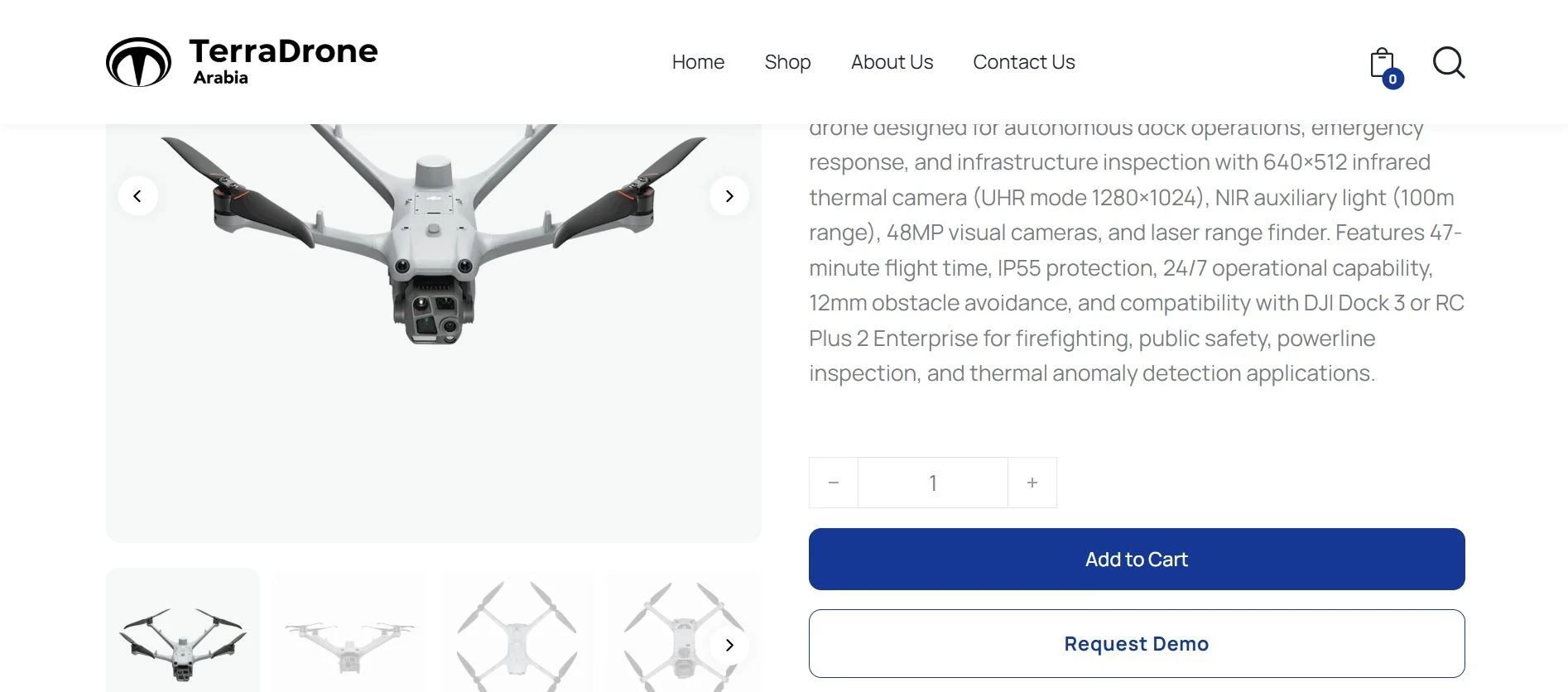
Tip: You can also click “Request Demo” on the product page if you’d like to try the product before requesting a quote.2. Review Your Cart
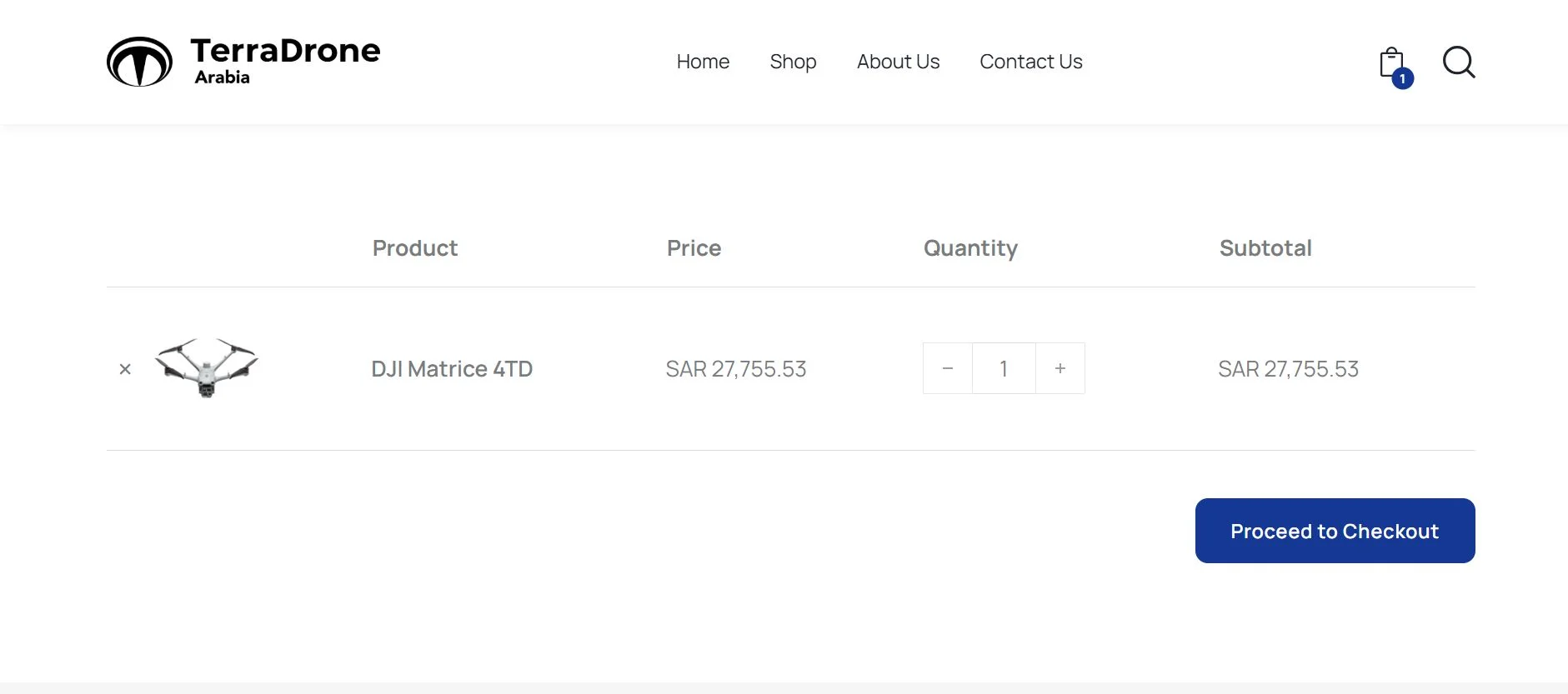
Before proceeding, check everything in your cart.- Click the cart icon in the top-right corner of the page.
- Review the Product, Price, Quantity, and Subtotal for each item.
- Adjust quantities or remove items if needed.
- When you’re satisfied, click “Proceed to Checkout”.
3. Fill in Your Details at Checkout
Provide your contact and company information so our sales team can prepare your quotation.- First Name & Last Name
- Position — your role / job title.
- Organization / Company Name
- Country — pre-selected to Saudi Arabia.
- Phone Number (WhatsApp) — so we can contact you quickly.
- Email Address — where we’ll send the official quotation.
- Inquiry Option (optional) — choose Request Demo or Request to Buy.
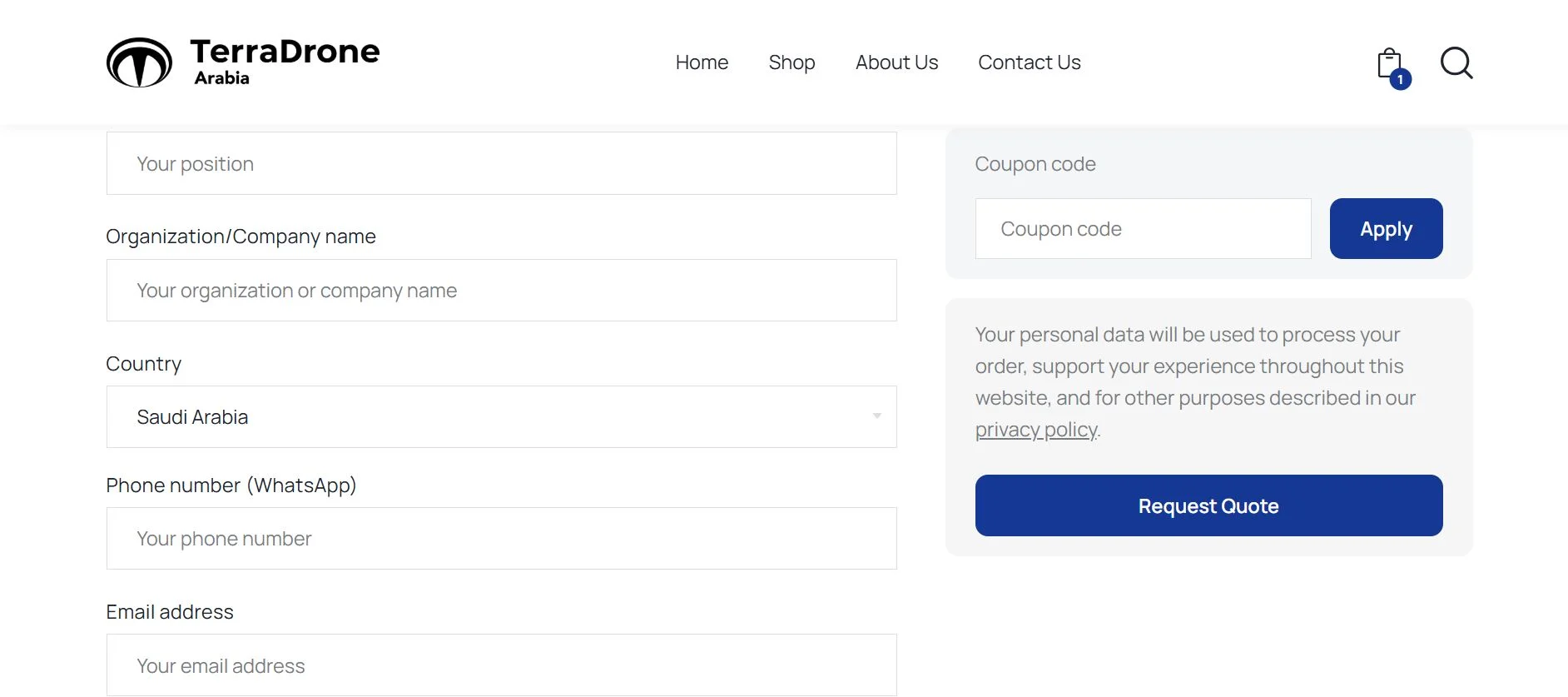
Have a coupon? Enter your coupon code on the right side of the checkout page and click “Apply” to get your discount.4. Submit Your Quote Request
Once your details are filled in, finalize your request.- Review your order summary on the right — make sure items and quantities are correct.
- Read and acknowledge the privacy policy notice.
- Click the “Request Quote” button.
No payment required. The payment method is set to “Ask for Quote” you will not be charged online. This is a quote request, not a purchase.5. Receive Your Order Confirmation & Official Quote
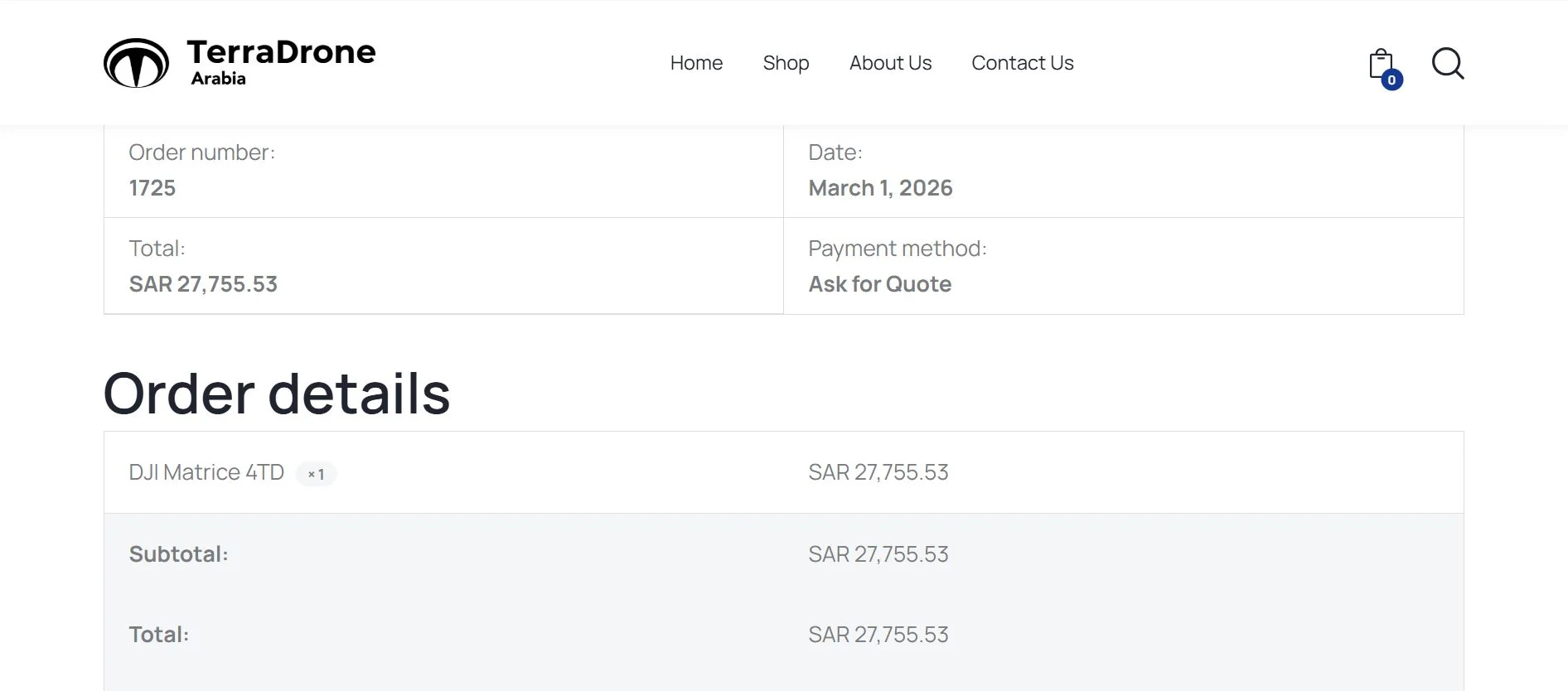
After submitting, here’s what happens:- You’ll see a confirmation page with your order number, date, and total.
- A confirmation email will be sent to the address you provided.
- Our sales team will review your request and email you an official quotation that includes
itemized pricing, estimated delivery time, and terms & conditions. - We typically respond within 1–2 business days.
6. Finalize Your Order
Once you’ve received the quotation:- Review the official quote sent to your email.
- To accept, simply reply to the email or call the contact number on the quote.
- Our team will guide you through the payment process and schedule delivery or service initiation.
Not sure yet? Try our products first. You can schedule an on-site demo, visit our showroom, or join an online session.
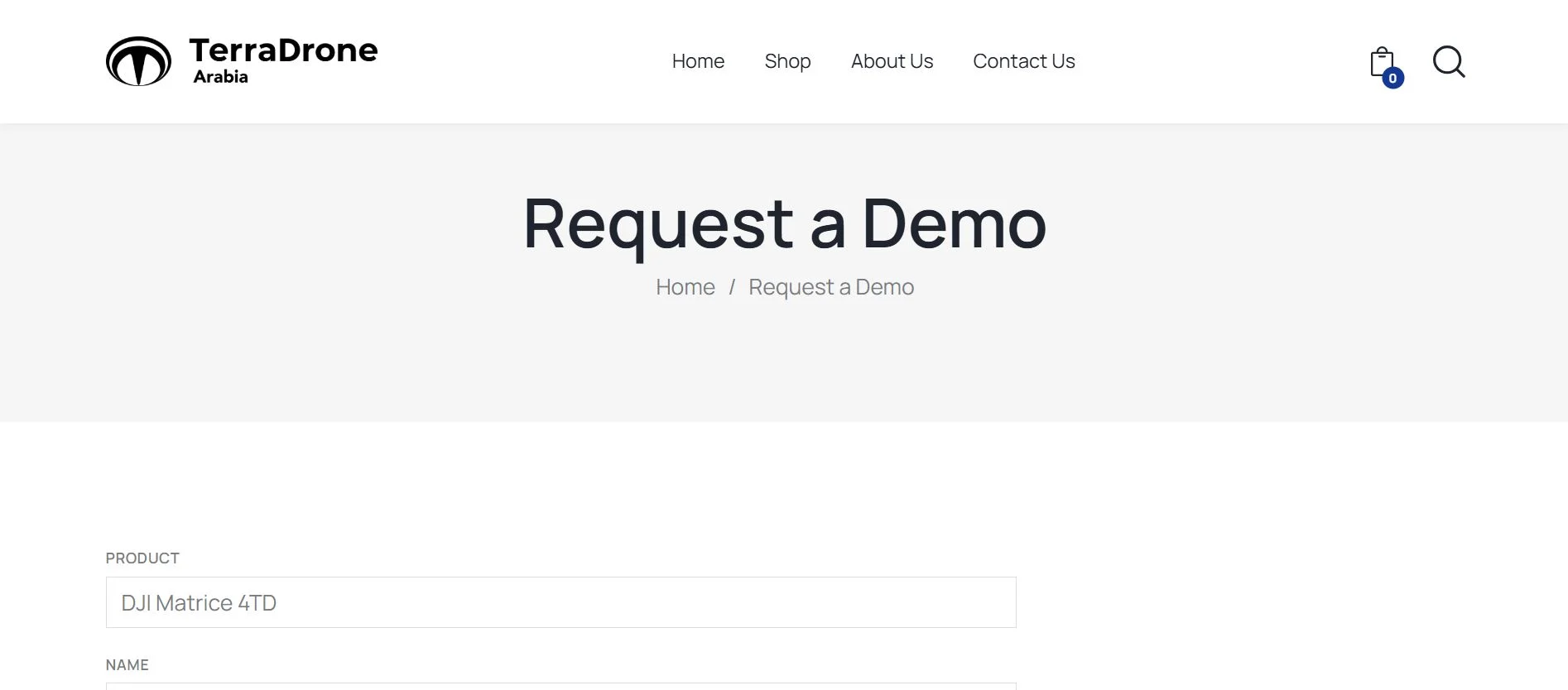
1. Open the Request a Demo Form
You can access the demo request form in two ways:- Click “Request Demo” directly on a product page — the product name will be
auto-filled for you. - Or go to the Request a Demo page from the menu.
2. Fill in the Demo Request Form
Provide the following information:- Product — auto-filled if you came from a product page, or select manually.
- Name, Company Name, Job Title
- Email and Phone / WhatsApp (including country code +966).
- City — e.g., Riyadh, Dhahran, Jeddah.
- Industry — select your industry from the dropdown.
- Demo Type — choose one:
- On-site Demo (at your location)
- Visit Our Showroom
- Online Demo (Zoom / Teams)
- Preferred Date
- Additional Notes (optional)
3. Submit & We’ll Be in Touch
- Check the box to agree to receive communications from Terra Drone Arabia.
- Click “Send”.
- Our team will confirm your demo appointment via email or WhatsApp within 1 business day.
- Click “Request Demo” directly on a product page — the product name will be
Need Help?
If you have questions before placing a request, or need assistance at any step, our team is ready to help.